
Short answer
There is no single best ai image detection tools entry, because the tools answer different questions. Reverse image search tells you where an image has appeared before. Provenance verification tells you who signed a file and whether it changed after signing. Metadata inspection tells you which device captured it. Detectors estimate how far a file sits from camera-native statistics. A review that uses only one of these is answering a narrower question than the reviewer thinks.
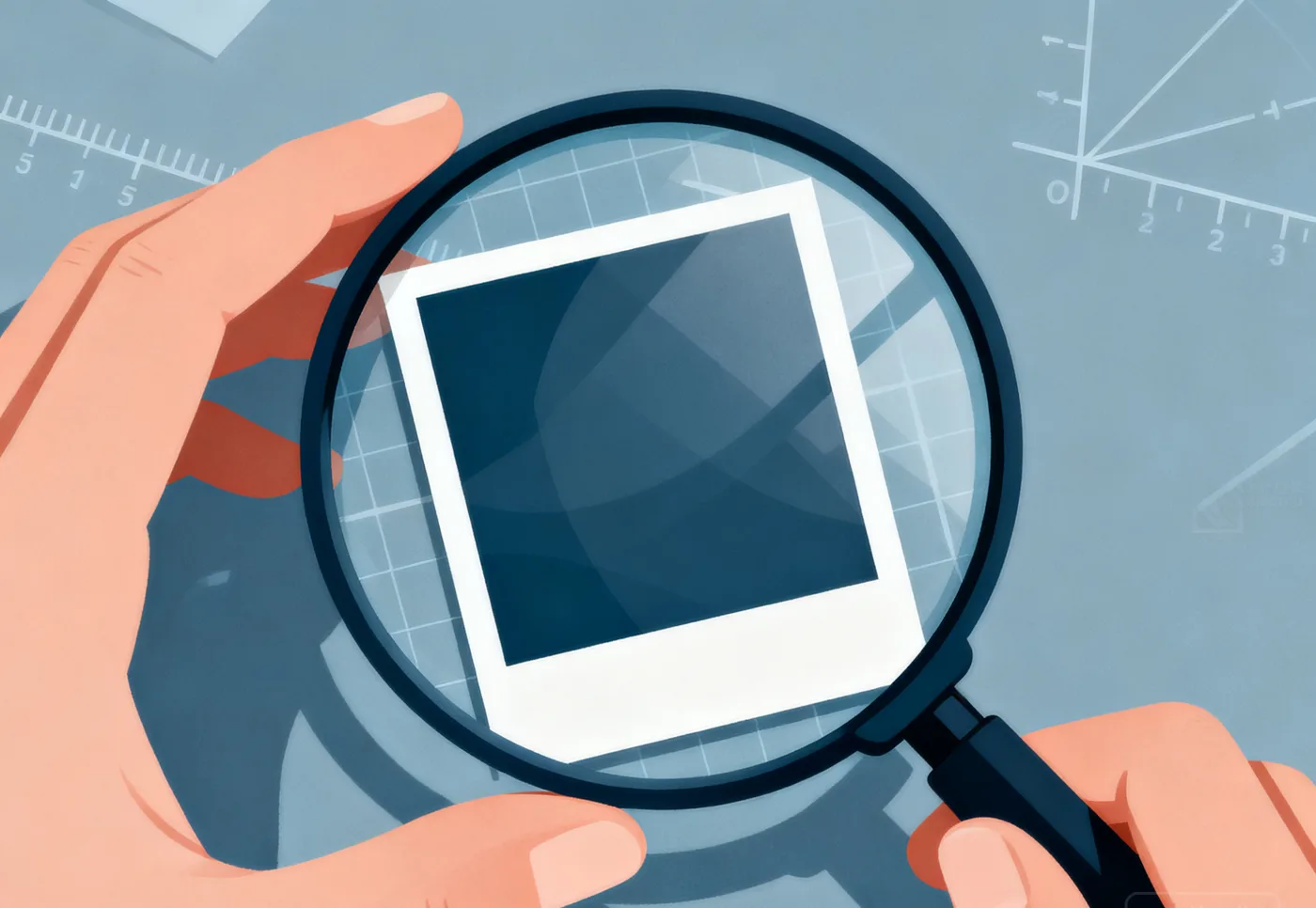
The four categories, and what each settles
- Reverse image search (TinEye, Google Lens, Bing Visual Search): surfaces earlier appearances of the same or similar image. Useful for finding the original context and for spotting recycled stock. It cannot tell you whether the current file was generated.
- Provenance verification (C2PA Content Credentials, the Verify tooling around it): reads a signed manifest and reports signer identity, timestamps, and edit actions. It proves a chain of custody when the manifest is present and intact. It says nothing when the manifest is absent, which is the common case.
- Metadata inspection (ExifTool and equivalents): exposes capture device, lens, timestamps, GPS, and software tags. Strong for confirming a camera original. Weak for detecting generation, because editors and messaging apps strip or rewrite these fields routinely.
- Detectors (Sightengine, Hive, Reality Defender, and similar): return a score describing how unlike a camera original the file appears. Fast for triage at volume. Not an attribution, and not proof.
Where reviewers get misled
The most common error is treating a detector score as the conclusion rather than as one input. A score of 0.9 does not mean generated; it means the file does not resemble an unedited camera original, which is equally true of a heavily edited authentic photo. The second most common error is reading a missing manifest as evidence of fabrication when it usually reflects the transport path: screenshots, messaging apps, and platform re-encoding all remove credentials.

How to combine them
- Ask for the original file first. Everything downstream depends on whether you are looking at a camera original or a re-encoded copy.
- Run reverse image search to establish where the image came from and whether it has appeared elsewhere.
- Check for a C2PA manifest. If present, read the signer and the edit history. If absent, note that it is absent rather than treating it as a finding.
- Read EXIF for device and timestamp continuity, especially when several images arrive together.
- Run at least two detectors and compare them. Disagreement between independent models is more informative than either score alone.
What this workflow cannot do
It cannot establish that an image depicts a real event. It cannot recover evidence removed before you received the file. And it cannot substitute for a policy decision about what to do with the result. Where the signals conflict and no original file exists, the honest position is that the question is unresolved, so escalate to human review rather than publishing an inference. The methodology page sets out how these layers combine, and sample reports show how disagreement is documented.
If you want provenance, metadata, and detector output on one file in a single view, start a free review and read all three before writing a decision.
A note on tool selection
Pick tools by the question you need answered, not by headline accuracy claims. If your queue is dominated by recycled marketplace photos, reverse search earns its place first. If you handle user-submitted claims, metadata continuity matters more. If you review newsroom submissions, provenance plus two detectors is the minimum defensible stack. Buying more detectors does not fix a workflow that never asks for the original file.